
How to listen to all radios
Most of radios featured at filtermusic stream in high quality, so you should have a DSL/cable connection.
1) To listen in your browser click on a radio's name or description or play icon.
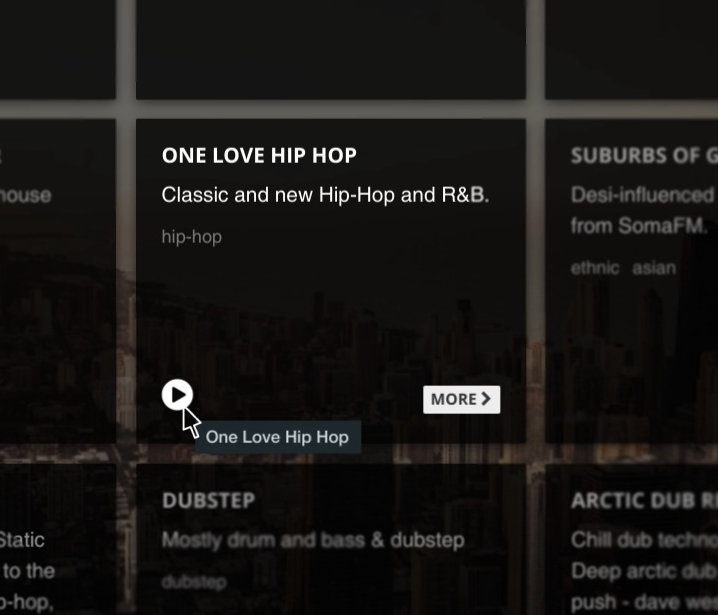
2) Click on the "More" button to get to the radio page.
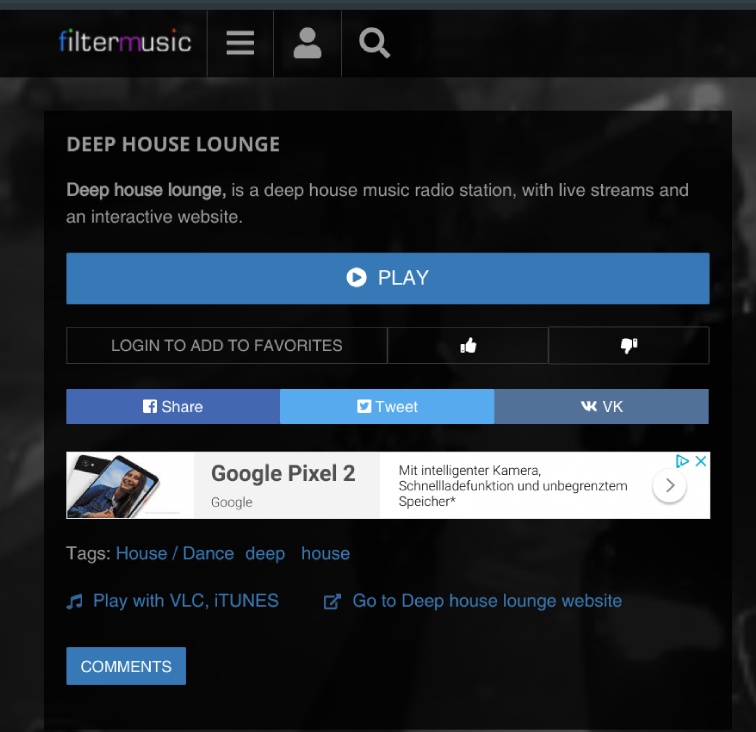
3) On this page you can:
- Listen to the radio station right away - just click 'play'
- Share it on your favorite social network
- Visit radio station website
- Or listen with your desktop installed media player - click on the button "Play with VLC, iTunes".
Though we try to update the filtermusic directory as often as possible, sometimes internet radios just stop streaming, either because their server is down, or it's overpacked from listeners. We are always here to help - just drop us a line.
